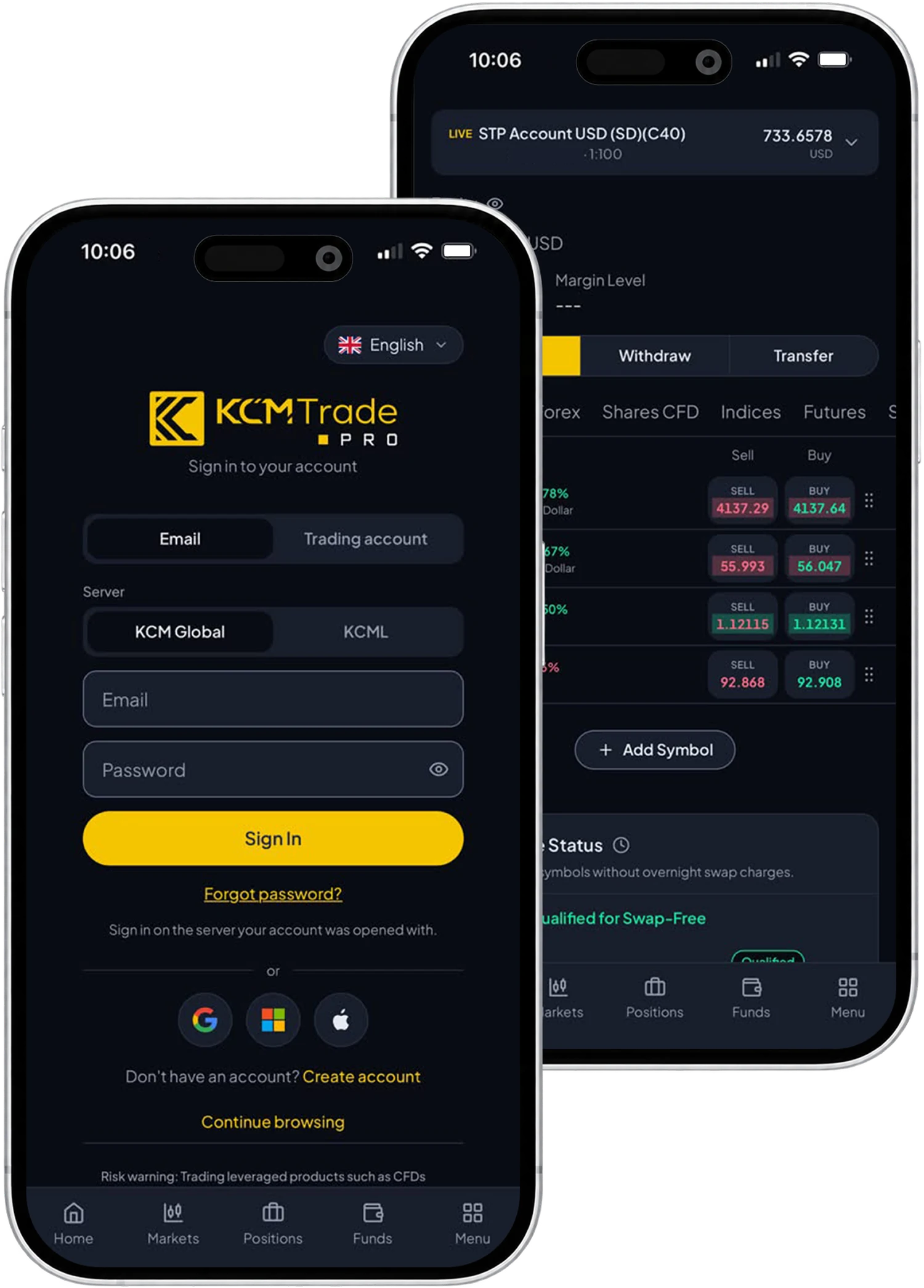
CRM 영역에 표시되는 언어는 간단하게 변경할 수 있습니다. 다음 단계에 따라 원하는 언어를 선택하세요.
웹/모바일 CRM 영역 사용자:
•CRM 영역에 로그인합니다.
•프로필 탭을 엽니다.
•프로필을 클릭하여 계속 진행합니다.
•프로필 정보 페이지에서 커뮤니케이션 언어 옆의 변경 아이콘을 클릭합니다.
•원하는 언어를 선택합니다.




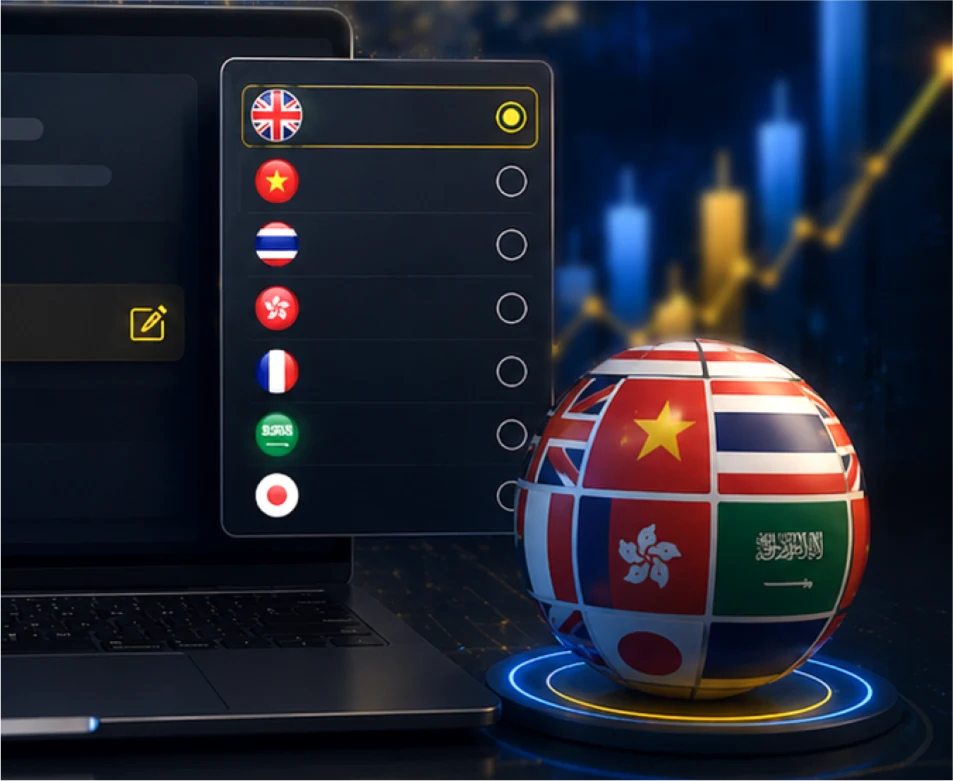
CRM 영역에 표시되는 언어는 간단하게 변경할 수 있습니다. 다음 단계에 따라 원하는 언어를 선택하세요.
웹/모바일 CRM 영역 사용자:
•CRM 영역에 로그인합니다.
•프로필 탭을 엽니다.
•프로필을 클릭하여 계속 진행합니다.
•프로필 정보 페이지에서 커뮤니케이션 언어 옆의 변경 아이콘을 클릭합니다.
•원하는 언어를 선택합니다.